
Folkweave · Private timeline
Everyone’s news,
woven together.
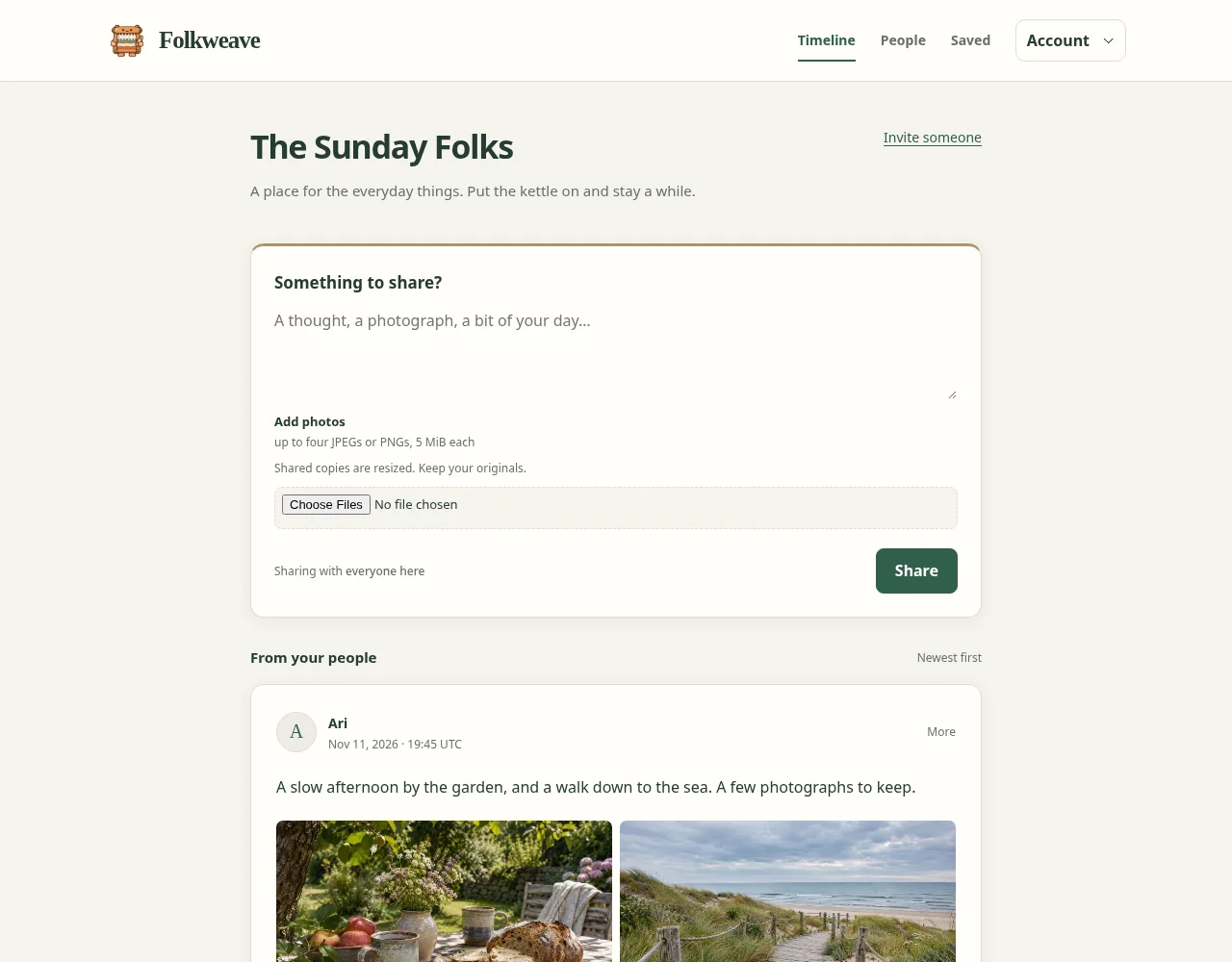
Posts and photos from your group, in the order they happened. Catch up, reply, and put it down.
Current release: Folkweave 0.7.2
Self-hosted · Open source · Docker images, Linux binaries, Debian packages, and a Gentoo overlay
News from your people.
Invite your group
Each installation has its own accounts and invitations. New members can read earlier posts. Owners manage membership and can remove posts and replies.
Posts, photos, and replies
Write a quick update or a longer post, with up to four photos and their descriptions. Replies stay with their post.
At your own pace
Posts stay in order and pages have an end. A button shows new arrivals. Editing or replying never bumps an old post to the top.
Keep what you share
Save posts to come back to; only you see them. Download your own posts, photos, and replies whenever you like.
One table, one audience.
Everyone in the group sees the same timeline. Parent-managed accounts are planned, but parental approval controls are not implemented yet. Folkweave resizes shared photos and strips their metadata. Original uploads are not retained, so keep your originals somewhere safe.
A copy worth keeping.
The running service makes verified backups automatically each day. Keep a protected copy on another machine too, and practice restoring it. The backup and recovery guides explain what to keep and how to recover.
Make it yours
Set up the loom.
Folkweave runs as one Go binary with its own data directory. You’ll need a server, and HTTPS for an installation you share online.
- Pick your installation.
Use a published image with Docker Compose, follow the binary and Debian package guide, or use the Gentoo overlay. Want a look first? Try the local demo.
- Set up your place.
The deployment guide covers your owner account, HTTPS, and running the service.
- Invite your people.
Send a few invitations and post the first photo.