
Imvault · Photos & little movies
A little vault for
“I should save that.”
The family album, your finest screenshots, and that video of the cat. Keep them somewhere you run, and share them with the people who’ll appreciate them.
Self-hosted · Open source · Linux binaries and Debian packages available
Keep the good stuff close.
Galleries and shared albums
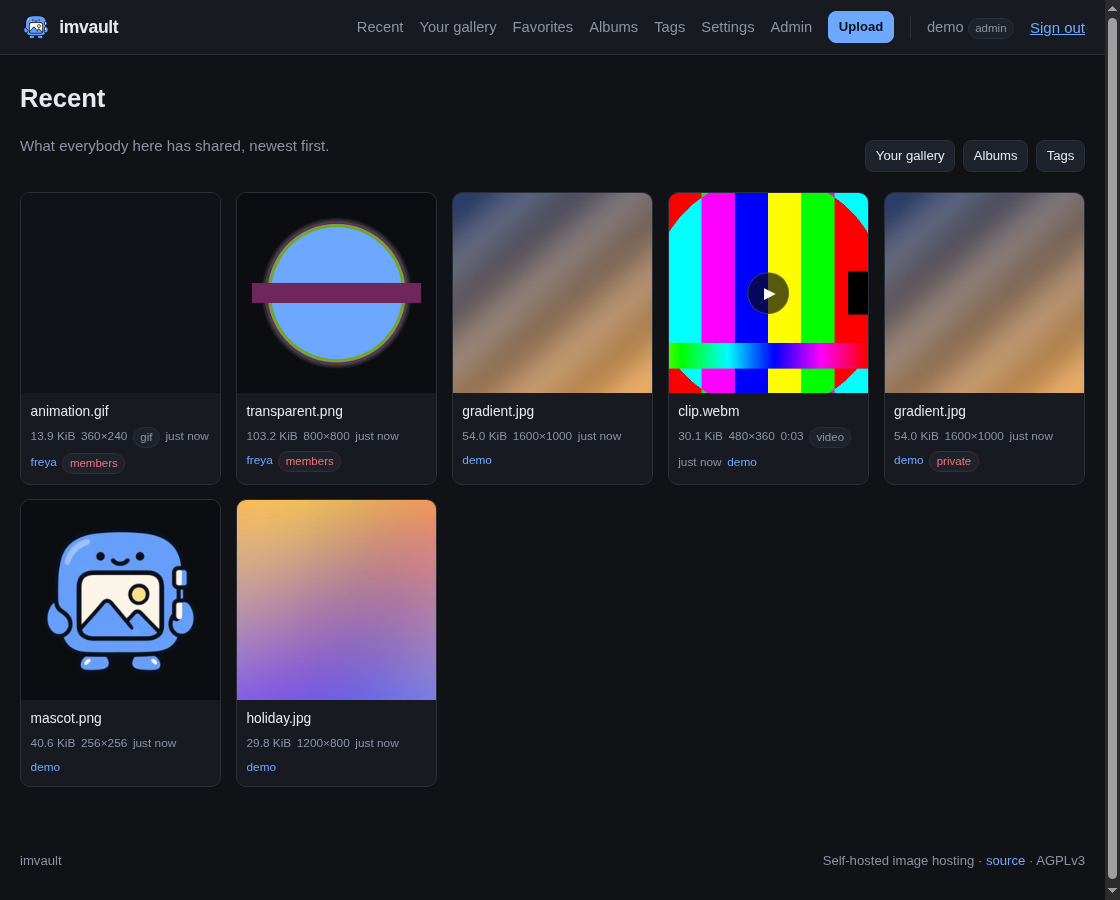
Browse galleries, collect things into albums, add tags in bulk, and save favorites. Shared albums let your people contribute their own photos.
Sharing and privacy
Choose public, members-only, or private sharing. Set location visibility separately from other photo metadata.
Photos, GIFs, and clips
Keep images, animated GIFs, and short video clips together. Imvault preserves uploaded originals and makes previews for browsing.
Storage and exports
Use local storage or an S3-compatible bucket. Back up and restore your installation, export your account, and manage membership and storage limits.
Make it yours
Give your collection a home.
Imvault runs as one Go binary. You’ll need a server, somewhere to store the files, and HTTPS for an installation you share online.
- Pick your installation.
Start with the binary and Debian package guide, or use the Gentoo overlay. Source and Docker instructions are in the README.
- Set up your place.
The deployment guide covers storage, your administrator account, and running the service.
- Invite your people.
Choose your sharing settings, make an album, and give the group somewhere to put those pictures.