
Witmoot · Boards & conversations
Pull up a chair.
There’s room for you.
A bulletin board for plans, questions, good finds, and whatever’s on your mind. Familiar rooms and conversations that are still there when you have a moment.
Current release: Witmoot 0.24.1
Self-hosted · Open source · Docker images, Linux binaries, Debian packages, and a Gentoo overlay

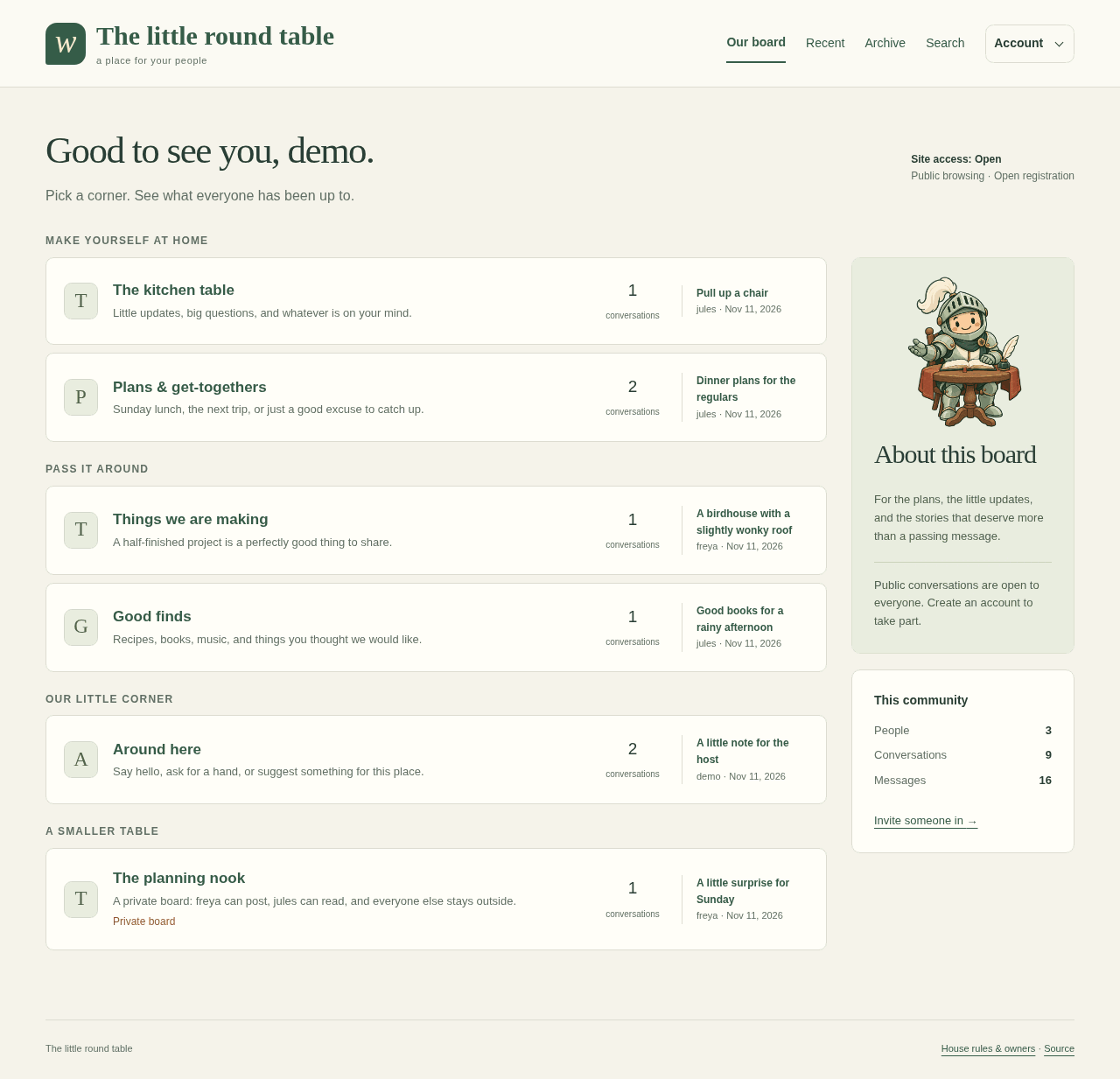
Somewhere to catch up.
Boards and archives
Organize conversations into boards, reply in order, and search for things later. Archive older boards when you want to keep the memories.
Membership and permissions
Keep a personal notebook, invite a private group, or open the door more widely. Groups and individual permissions let you decide who can read and post.
Pictures and music
Connect Imvault for shared pictures and Songstead for music talk, when your group wants them.
House rules
Publish your house rules, manage your boards, and suspend members or remove posts when you need to.
Pages have an end.
No ranked feed, infinite scroll, streaks, or engagement targets. Catch up, then get on with your day.
A copy worth keeping.
The running service makes verified backups automatically each day. Keep a protected copy on another machine too, and practice restoring it. The backup and recovery guides explain what to keep and how to recover.
Make it yours
Start a little gathering.
Witmoot runs as one Go binary with one data directory. You’ll need a server, and HTTPS for an installation you share online.
- Pick your installation.
Use a published image with Docker Compose, follow the binary and Debian package guide, or use the Gentoo overlay. Want a look first? Try the local demo.
- Set the table.
Use the deployment guide to create your owner account, set up HTTPS, and run the service.
- Make room for your people.
Create a few boards, choose who can join, and send out invitations. The first conversation can be as simple as saying hello.